In Action
See it in action
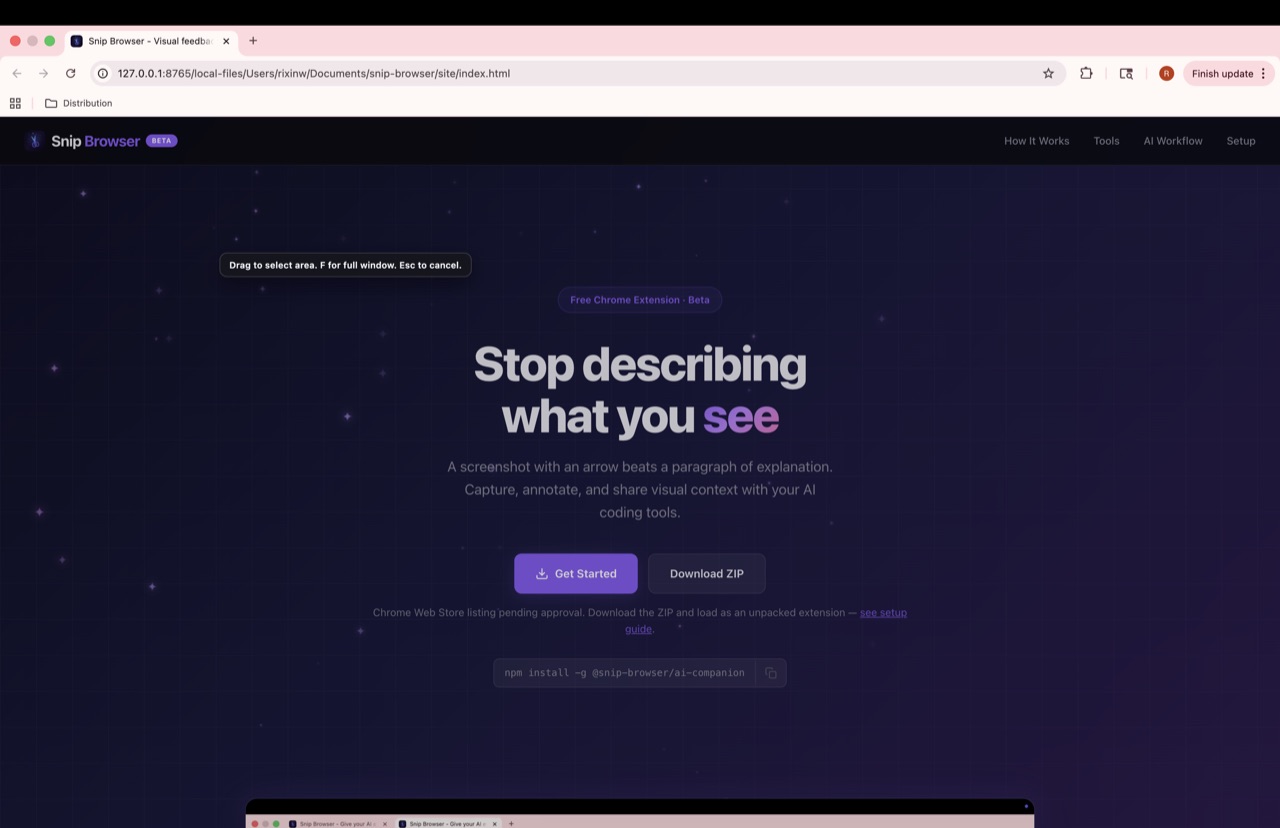
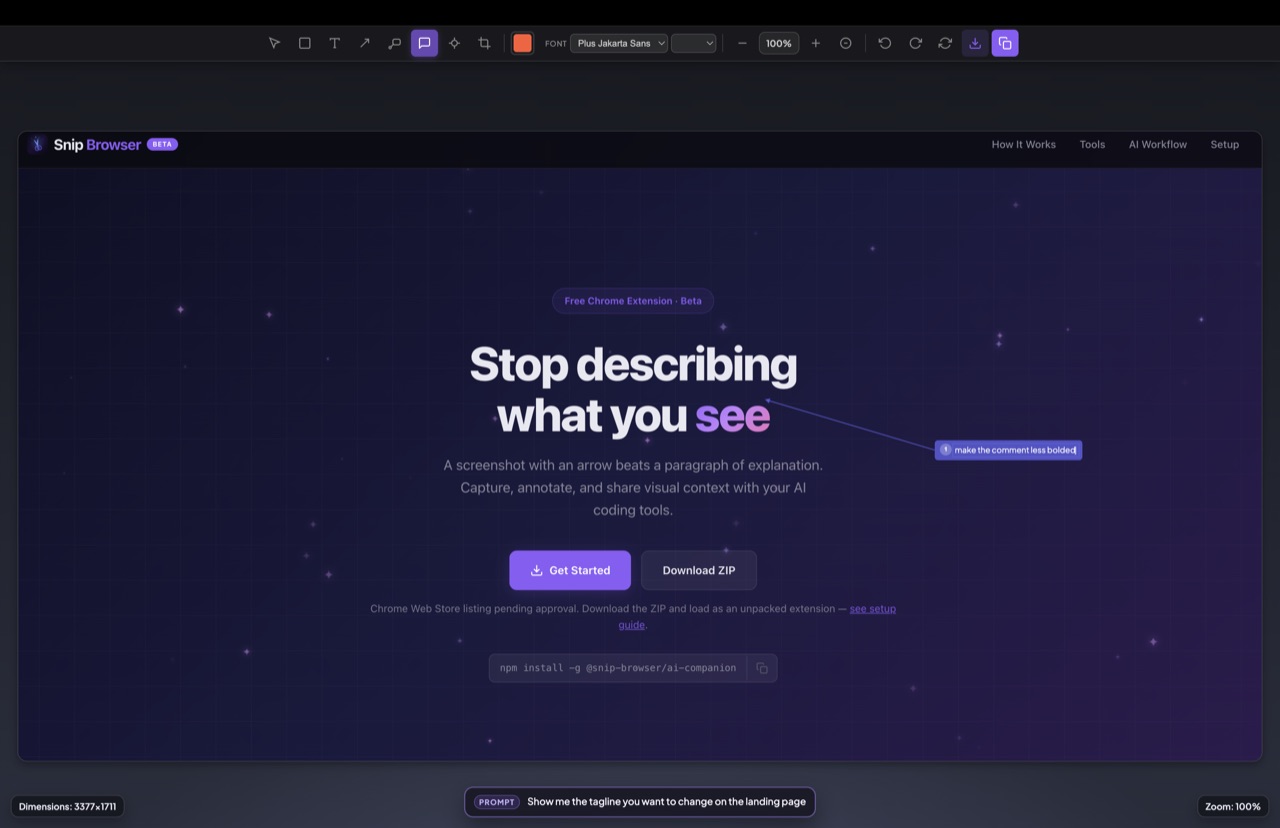
A screenshot with an arrow beats a paragraph of explanation. Capture, annotate, and share visual context with your AI coding tools.
npm install -g @snip-browser/ai-companion
AI coding tools are powerful, but they're blind. When something looks wrong, you're stuck typing what you see instead of showing it.
You describe the issue in words, hope the AI understands, go back and forth clarifying.
"The button on the right side of the
search bar has the wrong icon. It's a
sparkle thing but should be a wizard.
No, not that one, the AI Mode button."
Capture the screen, draw an arrow pointing to the problem, and your AI sees exactly what you mean.
snip-wait --url "https://google.com" \
  --reason "change this icon"

# AI reads the annotated screenshot
# and knows exactly what to fix
Your AI requests a visual, you capture and annotate, and it sees what you see.
Your AI tool runs snip-wait to open a URL and request a visual capture. Chrome opens with the Snip area selector ready.
Select a region, annotate with arrows, text, highlights, tags, or blur sensitive info. Click Copy when done.
The annotated screenshot is saved locally. Your AI reads the image and responds with full visual context.
Fast, focused tools for annotating screenshots. Each one has a keyboard shortcut.
Outline, highlight, or blur regions. Three modes for different needs.
RAdd labels, callouts, or notes directly on the image.
TPoint to exactly what you mean. No more "the thing on the right."
ALabeled callouts with leader lines. Color-coded for organizing feedback.
GPixelate sensitive info before sharing. Brush or rectangle mode.
BPoint at what matters with numbered arrows and text. Sent as coordinates to your AI, not baked into the image.
NAspect ratio presets (16:9, 4:3, 1:1), orientation toggle, center crop.
CBidirectional visual communication between you and your AI. Integrates with Claude Code, Codex, and Cursor.
AI asks for a visual -- runs snip-wait to open a URL
You capture and annotate -- select region, add arrows/text
Copy PNG -- image saved locally, AI reads it instantly
AI makes changes -- writes code, modifies a page
AI requests review -- opens the page via snip-wait
You annotate feedback -- circle issues, add notes, send back
Terminal-based AI coding
OpenAI's coding agent
AI-powered IDE
Open source. Works locally. No cloud, no accounts, no tracking.